
Docker Compose [Recommended]
Docker Compose is the recommended way to self-host AFFiNE.
Prerequisites
Install Docker with Docker Compose v2. You should be able to run:
Install
1. Create a deployment directory
Keep this directory in a stable location. The official Compose file stores PostgreSQL data under ./data/postgres, uploaded files under ./data/storage, and application configuration under ./config.
2. Download the current Compose file
You can also copy the file from docker-compose.yml.
3. Createconfig/config.json
Open config/config.json and set server.externalUrl to the URL that users will open. For a local installation, the default is:
For a public deployment, use the final HTTPS URL, for example https://affine.example.com. See Configuration for more options.
New installations do not need a
.envfile. Runtime settings belong inconfig/config.json; the Compose file already contains the internal service wiring and uses relative data directories.
4. Start AFFiNE
The one-time migration container should finish successfully, while AFFiNE, PostgreSQL, and Redis remain running. To inspect startup problems:
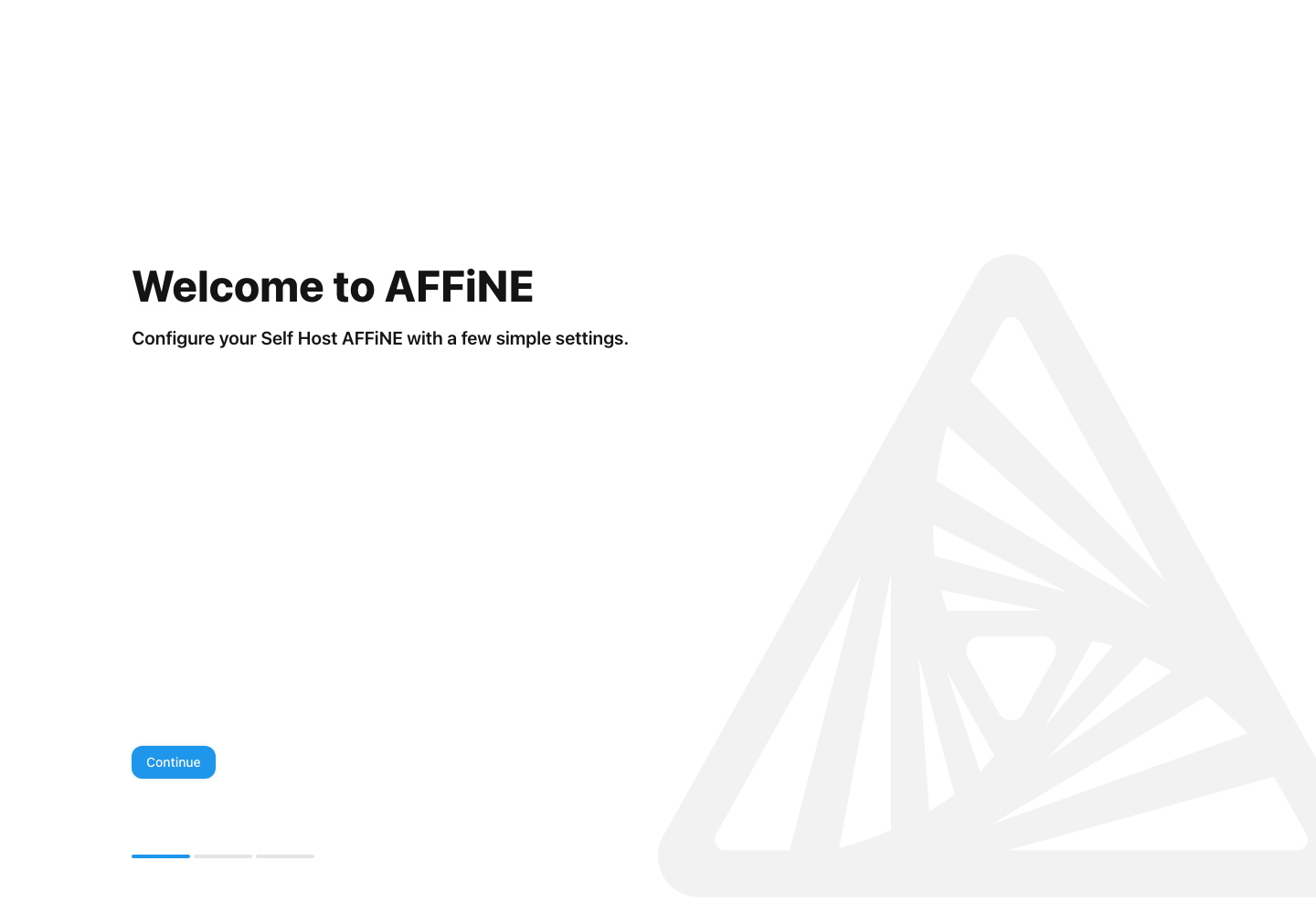
5. Complete first-run setup
Open http://localhost:3010, or the URL configured in server.externalUrl, and create the initial administrator account.
Next steps
Read After Installation before exposing the instance publicly, and Upgrade before changing the image version. Back up both ./data and ./config; do not delete or relocate either directory after the instance contains data unless you are following the backup and restore guide.